Dear Abandonia visitors: Help us keep Abandonia free with a small donation. Abandonia is like an old gaming arcade with only original games. Abandonia helps you have fun four hours and years. If Abandonia is useful to you, please help us forget fundraising and get back to Abandonia.



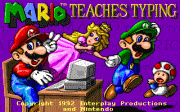




In today’s computer age one of the most important skills a child has to learn is how to type; it has become almost as important as learning how to hold a pencil and write with it, and its importance might even grow beyond it (I mean, honestly, compare the number of words you type daily to the number you write by hand).
But you can’t simply expect everybody to be able to type. Some people are quite slow at it and most people (regardless of speed) are self-taught.
Here’s a lovely little computer program (that’s right, I don’t dare call this a game) that can certainly help improve on your typing skills and keyboard orientation.
It’s an actual typing tool disguised as a game featuring everybody’s favorite arcade duo – Mario and Luigi.
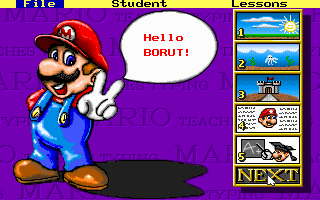
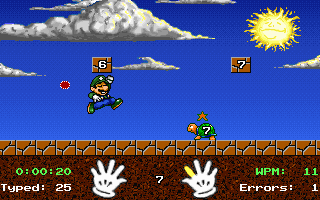
So what do you need to do? You need to type accurately for a long enough time period in order to get through to the next level.
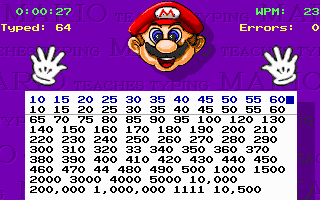
You start simply, by hitting single characters only (letters and symbols), but you’ll progress to typing whole sets of words and numbers! It doesn’t only help you learn how to type, it also works on your reading and memorising and even your spelling skills. Every session is time-limited, so you need to be somewhat fast to complete it successfully. It won’t represent a real challenge to a normal grown up typist, but if you’re one of those people who still use CAPS LOCK every time they want to make a capital letter – then you don’t stand a chance.
You should be careful, though, if you’re using a different keyboard setting. I had some problems finding some characters at first, because they were not in the place I was used to (like @ being “shift + 2” instead of “Alt Gr + V”). So you might want to have your keyboard layout supported (or change the default keys within DOSBox).
The game works fine in WinXP as well, but the sound will be coming from the internal speaker only. It’s no shame, because you’re definitely better off turning the sound to mute. It consists of nothing more than irritating blips.
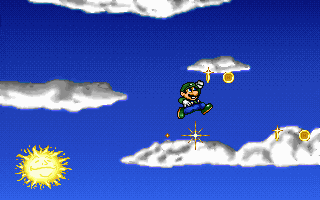
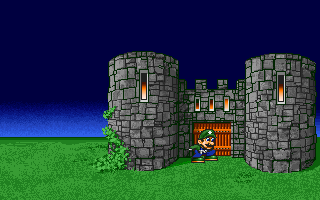
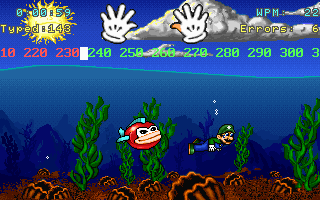
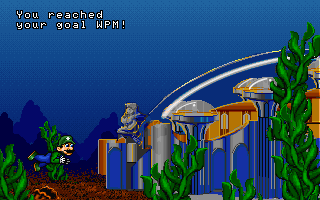
The graphics itself are colorful and the animation is smooth, so no problem there. It’s eye-catching enough for little kids, but not too bright and eye-burning for a grown-up to give it a try.
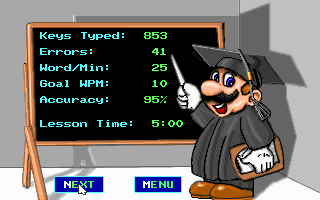
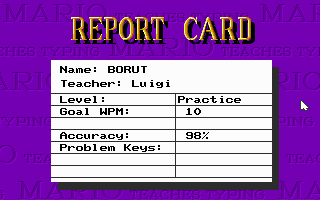
One of the nice features is an option to print out a certificate showing how well you did during each session. This may seem silly, but don’t forget the target group for this game is children under the age of 8 - and they would feel quite proud to have their top score printed out, proving they graduated from Mario’s Typing School, where Mario Teaches Typing.



 discuss this game! (13 posts)
 boxshots available